Trim the empty transparent area around a PNG image in Photoshop
Trimming the empty transparent area around a PNG or a GIF image in Adobe Photoshop CS6:
- Image (in top main menu)
- Trim...
-
Select
Based On: Transparent Pixels
Trim Away: Top, Bottom, Left, Right
- OK
Example
Trimming away from:
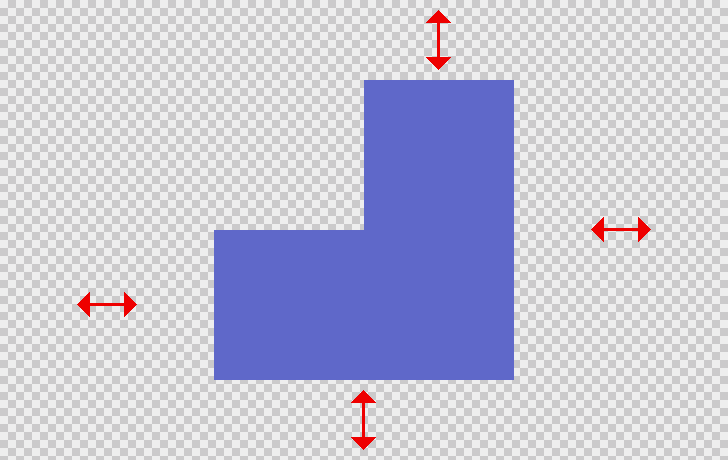
to:
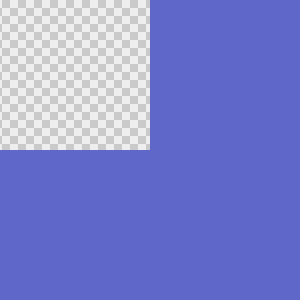
Operating systems
- Windows